Projectors

The Projection Room Projectors 

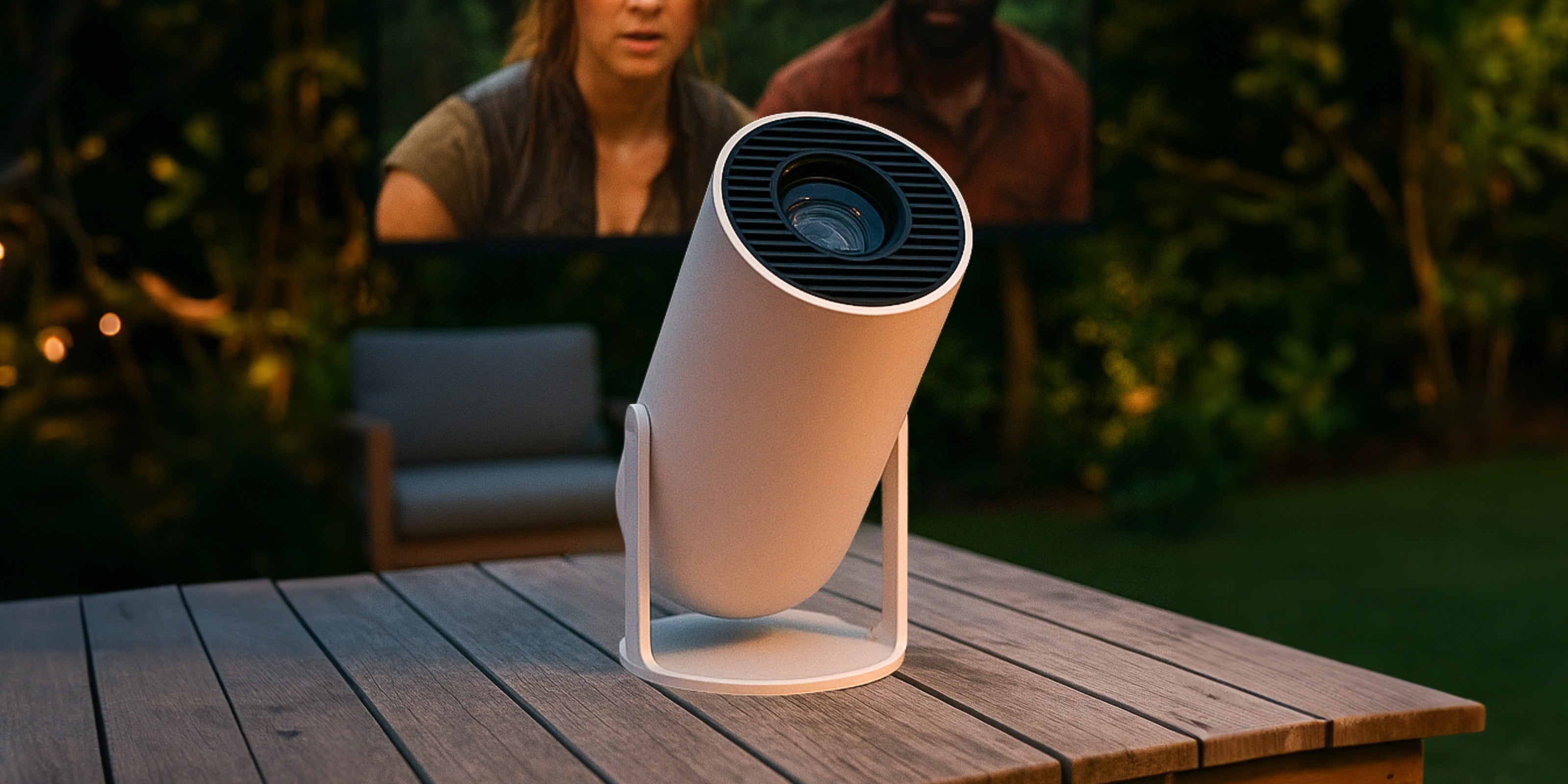
Projectors and accessories designed to elevate your entertainment experience featuring advanced technology and a modern aesthetic. Discover our full projector collection online or browse in-store for the perfect match for your needs.
Filters

Sort by:

34 products

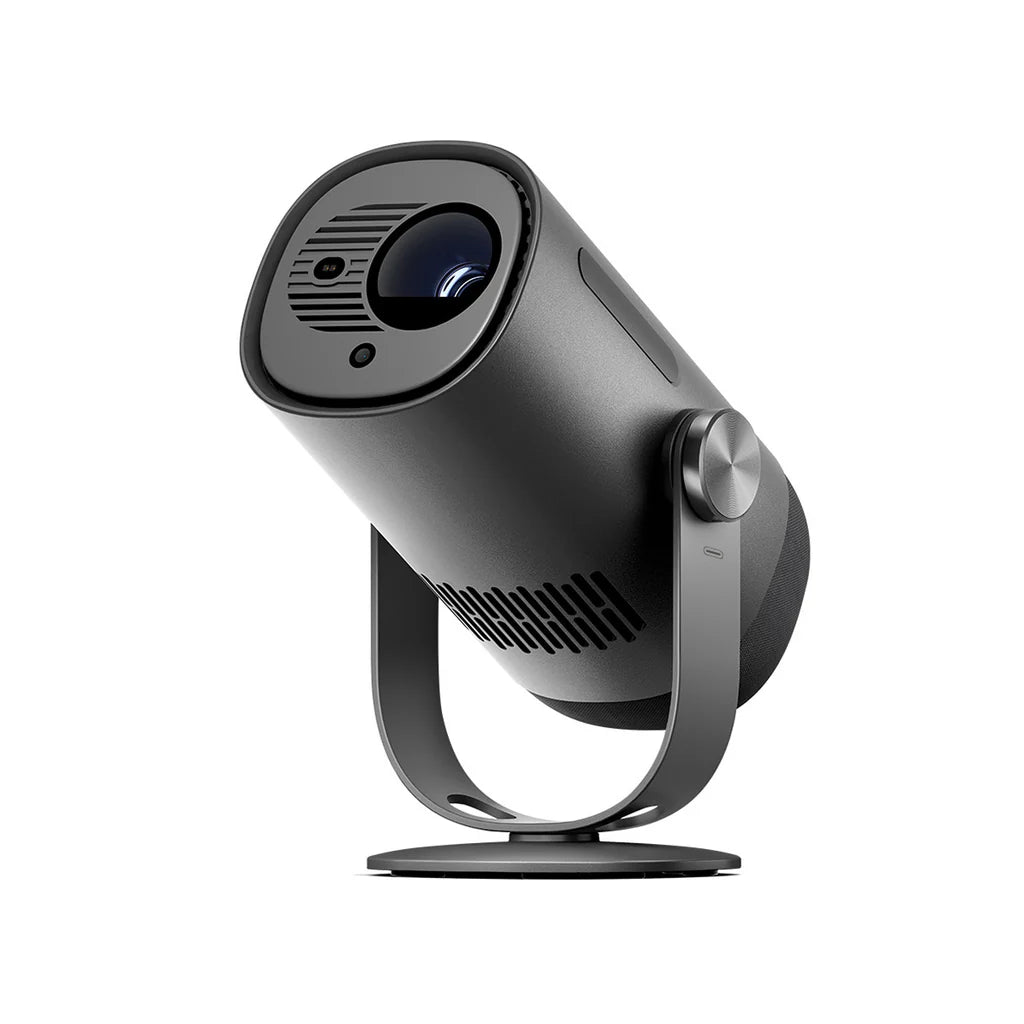
Dangbei Freedo Portable Projector Full HD Google TV & NetflixDangbei Freedo Portable Projector Full HD Google TV & Netflix
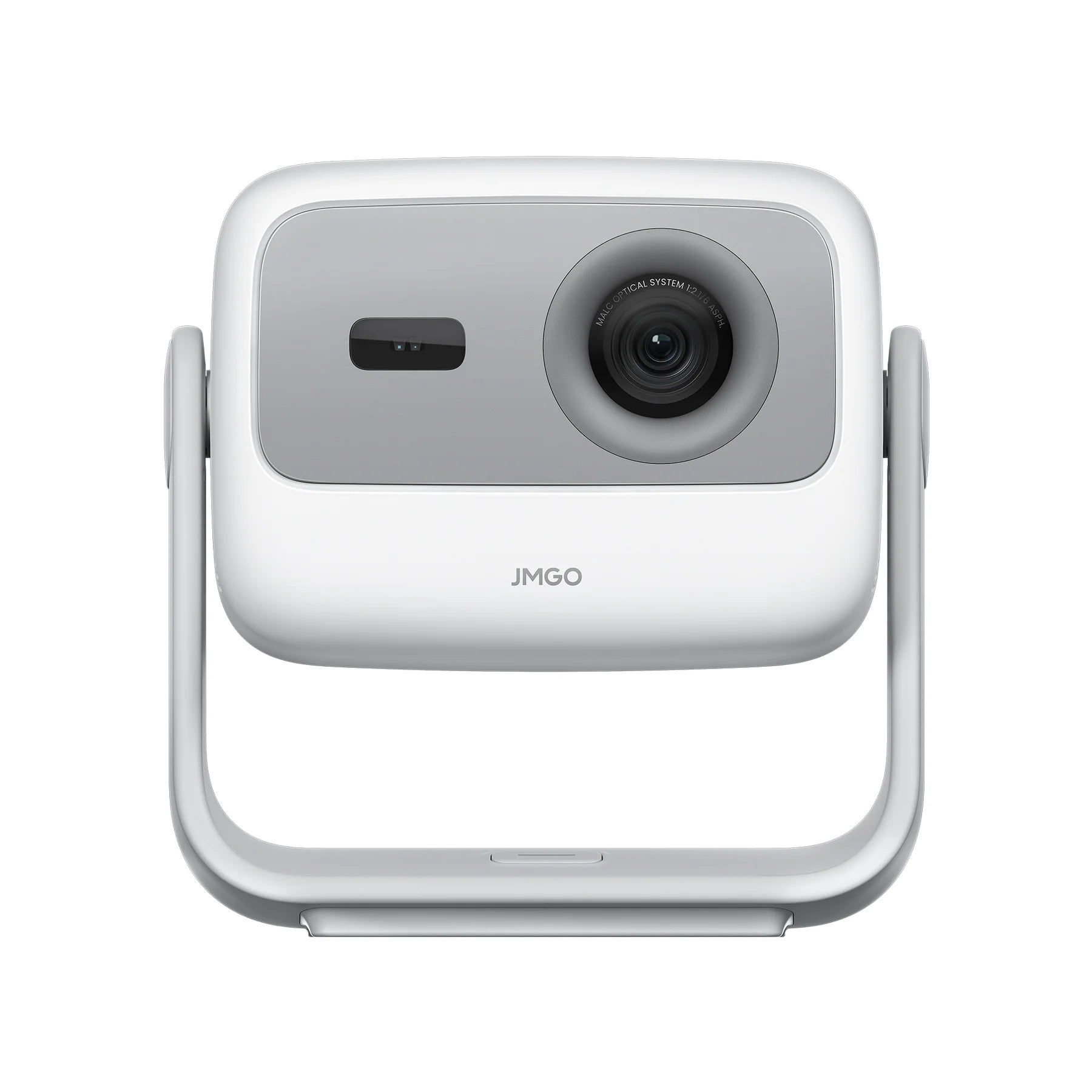
JMGO N1S SE Full HD Triple Laser Projector Portable CinemaJMGO N1S SE Full HD Triple Laser Projector Portable Cinema
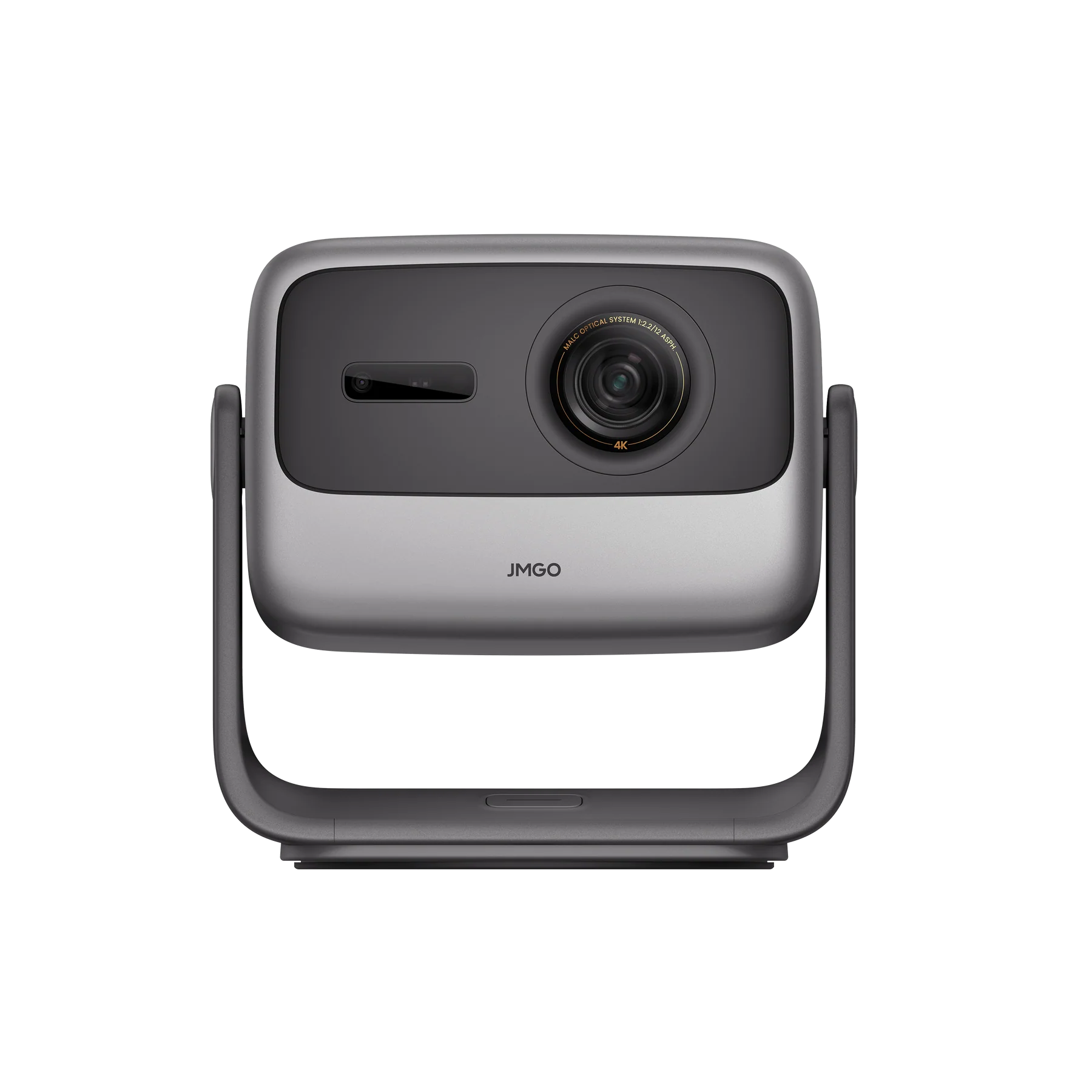
Gray JMGO N1S Infinity camera on a white backgroundJMGO N1S Infinity 4K Laser Home Theatre Projector
Formovie Episode One Full HD Google TV Netflix ProjectorFormovie Episode One Full HD Google TV Netflix Projector
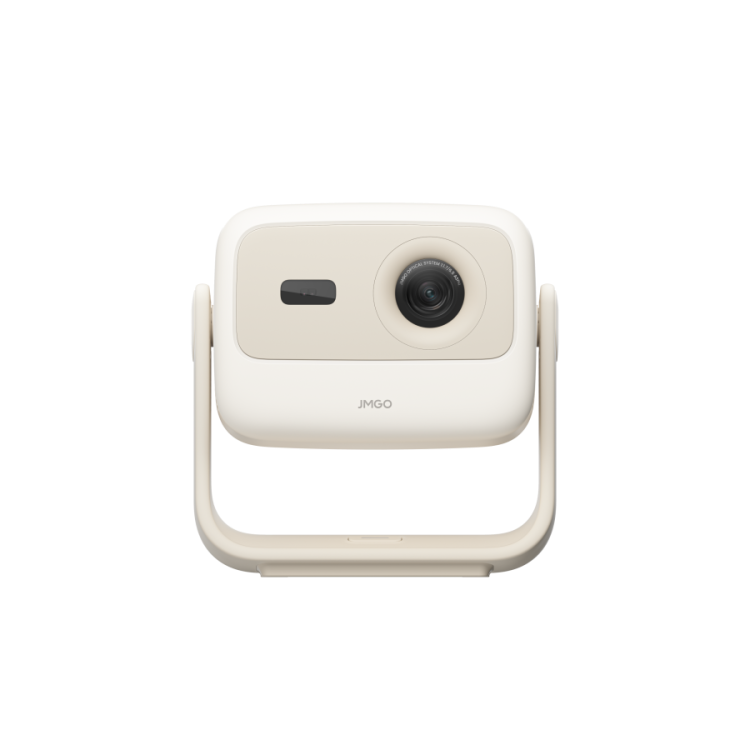
A front view of the JMGO N1S Nano projector by JMGO, featuring a compact beige and white design with a round lens on the right, rectangular sensor on the left, and a U-shaped stand—ideal for immersive Big Screen entertainment.The JMGO N1S Nano by JMGO is a beige and white rectangular wall-mounted device with rounded edges, featuring Google TV, shown from the front against a plain background.
JMGO N1S Nano Sale priceR$ 3.391,00
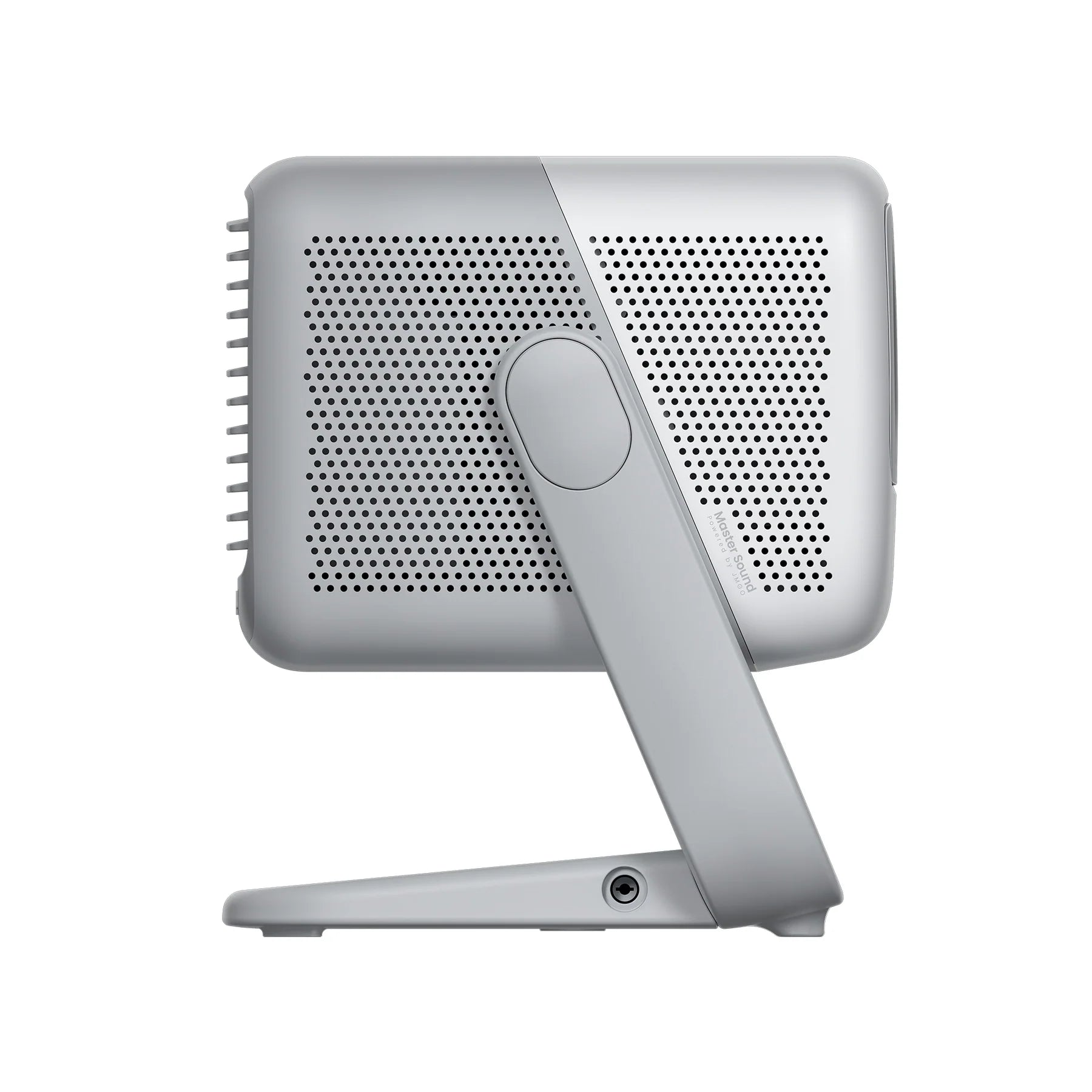
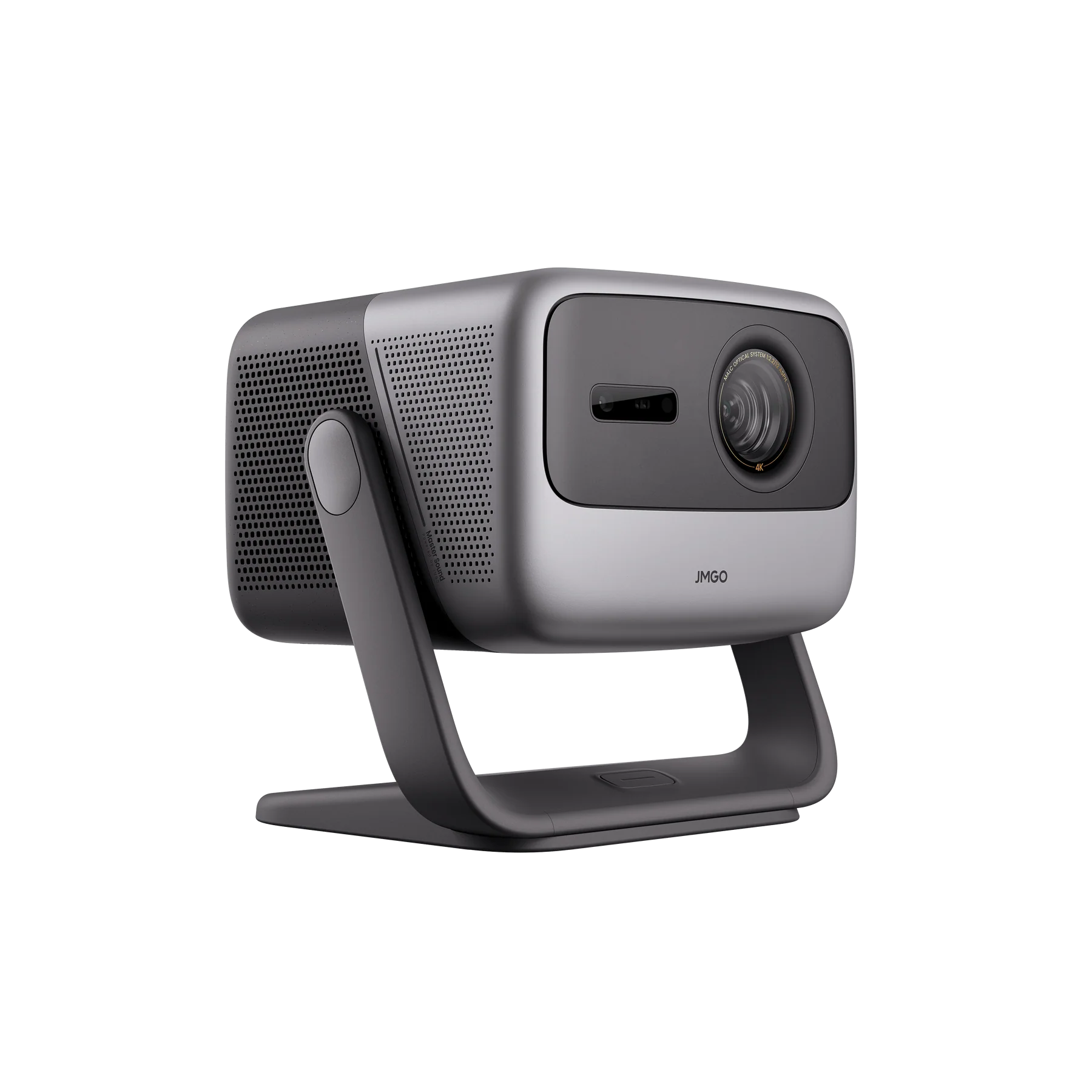
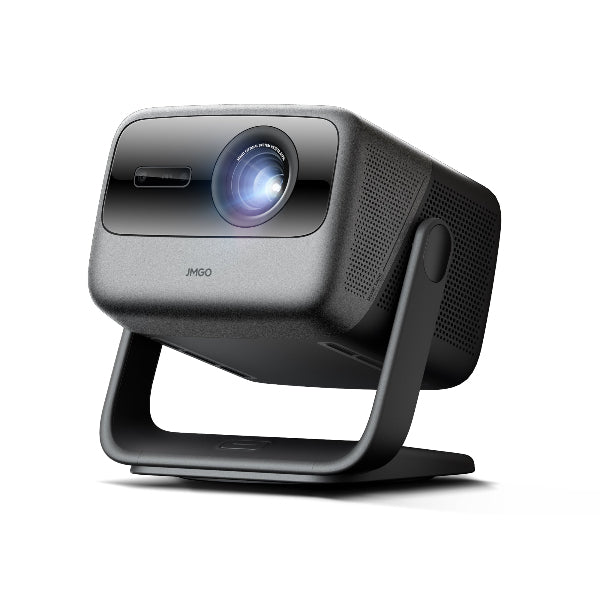
The JMGO N1S ULTRA 4K Projector is a sleek, gray device with modern design, prominent lens, and cutting-edge laser technology. It sits on a U-shaped stand and features the JMGO brand on the front. The surface includes small perforations for ventilation.
JMGO N1S ULTRA 4K Projector Sale priceR$ 11.935,00
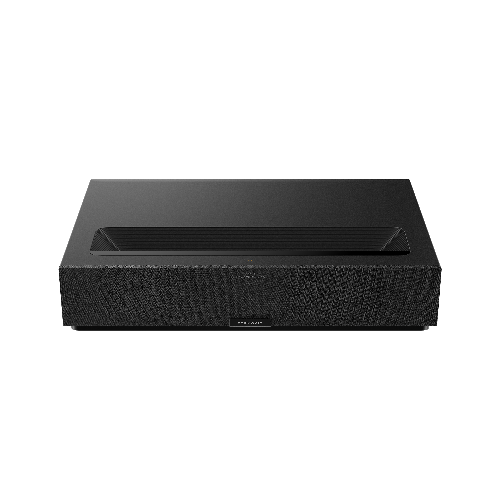
The stylish Formovie Theater Premium 4K Ultra HD UST Laser Projector by FORMOVIE features a textured front and flat top with a dark inset, promising enhanced 4K visuals and Dolby Vision on a plain white background.Formovie Theater Premium Image 1
Bundle & SaveYou Save R$ 187,00
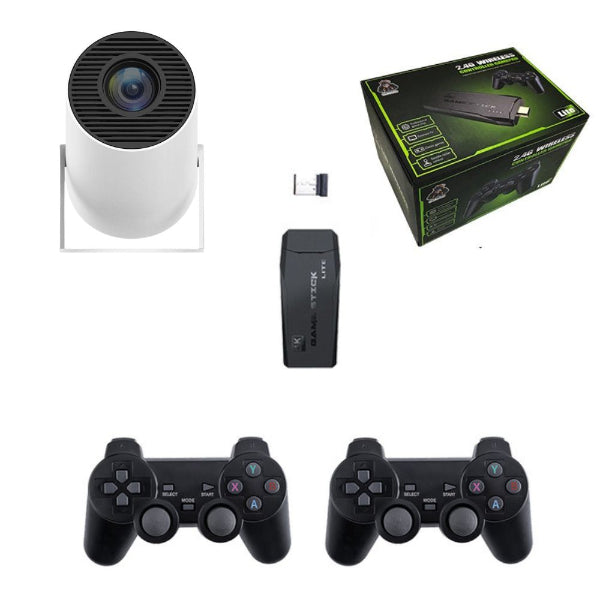
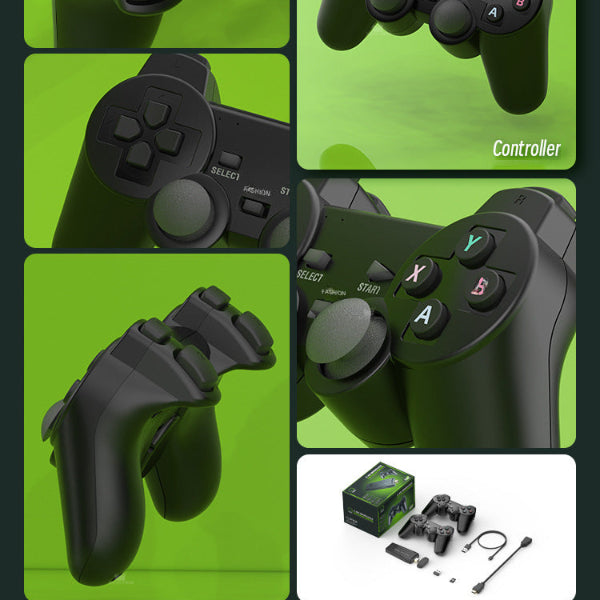
The Spotlight Projector by The Projection Room showcases a circular device, USB dongle, black game stick, and two black 2.4G wireless controllers arranged on a white background—ideal for portable entertainment.An HD collage of The Projection Rooms Spotlight Projector + Game Stick showcases the front buttons, side shoulders, and triggers. The bottom right displays the packaging, USB cable, and accessories against a green background.
The Spotlight Projector + Game Stick Sale priceNow R$ 746,00 Regular priceR$ 933,00
Bundle & SaveYou Save R$ 187,00
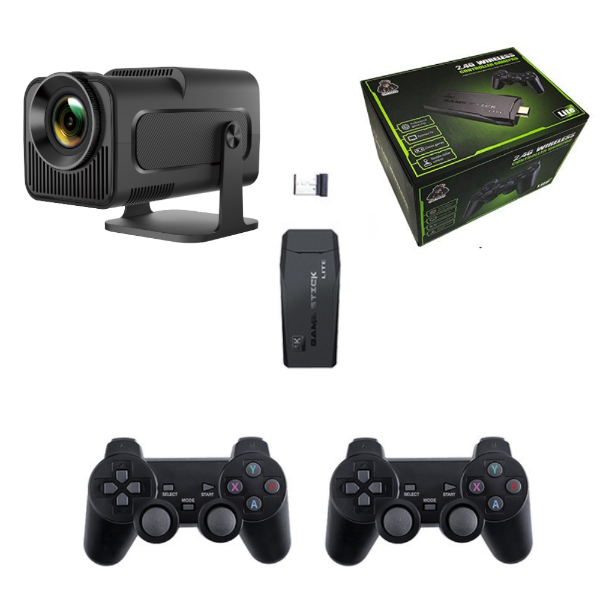
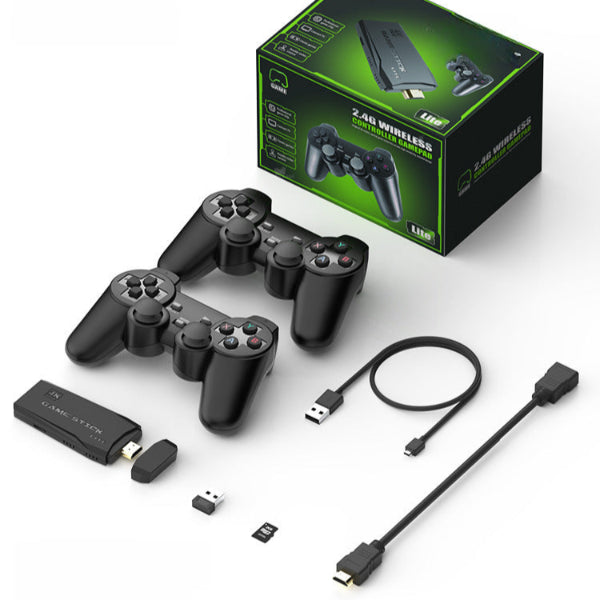
The Projection Rooms Spotlight Projector Pro + Game Stick Bundle includes an HD projector, two black wireless controllers, a signal receiver, a USB drive, and comes in a stylish green and black branded box.A gaming accessory set includes two black wireless controllers, a USB dongle, a small adapter, a USB cable, and an HDMI cable. Also featured is The Projection Rooms Spotlight Projector Pro + Game Stick Bundle for seamless play.
The Spotlight Projector Pro + Game Stick Bundle Sale priceNow R$ 858,00 Regular priceR$ 1.045,00
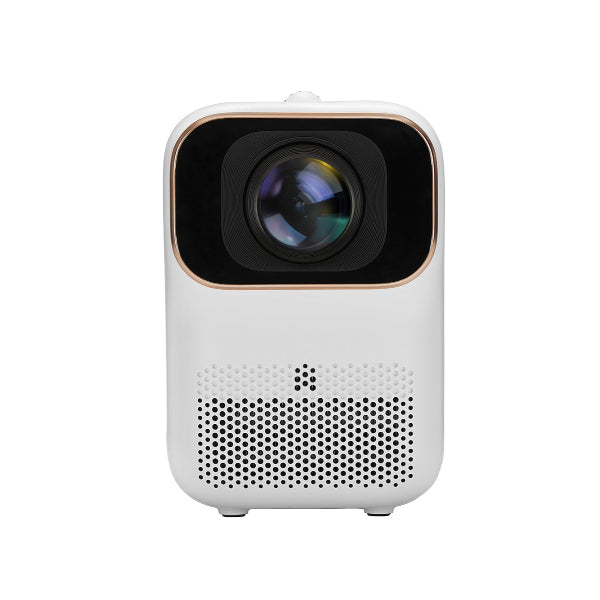
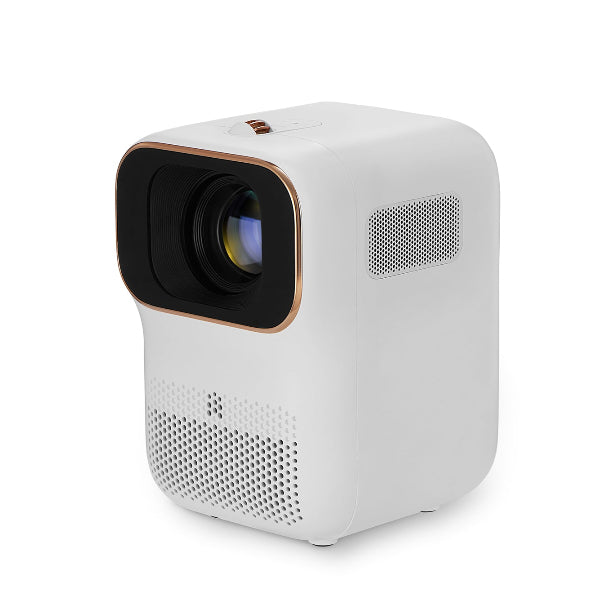
The Formovie Xming Q1 SE Full HD Mini Projector boasts a sleek, rounded white design with a central lens, smooth edges, and a perforated speaker grille below. Its minimalist style makes it a perfect portable solution for any setting.The FORMOVIE Xming Q1 SE is a sleek, white mini projector with a vertical design on a plain background. It features Full HD capabilities, a large lens with a gold rim, and ventilation grilles on the sides and bottom for superior portability.

To choose the best projector for your room, you must evaluate three specific attributes: Lighting Conditions, Throw Distance, and Usage Intent. Matching these factors ensures you select a device that performs optimally in your specific environment.

Assess Your Lighting (Brightness):

Measure Your Space (Throw Ratio):

  • Large Spaces: If you have 2–3 metres of distance from the wall, a standard throw projector like the Dangbei Atom will easily project a 100-inch screen.
  • Small Spaces or Cabinets: If you want a massive screen but only have inches of space, choose an Ultra Short Throw (UST) projector. The Formovie Theater Premium sits directly on your TV cabinet and projects a 100"+ image instantly, eliminating the need for ceiling mounts.

Determine Your Usage (Resolution & Features):

At The Projection Room, we categorize our projectors by these features to help you find your perfect match effortlessly.

The choice between a 4K projector and a 1080p projector depends almost entirely on your desired screen size and viewing distance. While 4K projectors offer superior sharpness, 1080p is often "enough" for standard bedroom setups.

When 1080p (Full HD) is Enough:

  • Screen Sizes under 100 Inches: If you are projecting a screen size between 60 to 100 inches, the pixel density of a native 1080p projector is excellent. For bedroom cinemas, dorm rooms, or casual gaming, a device like the Dangbei Atom or The Spotlight Projector Pro MAX delivers crisp, clear visuals for Netflix and YouTube without the higher price tag of a 4K projector.
  • Portability & Value: 1080p projectors are generally more compact and energy-efficient, making them the best choice for portable or aesthetic "vibey" setups.

When 4K (Ultra HD) is Necessary:

  • Screen Sizes over 100 Inches: As you stretch the image to 120 or 150 inches, 1080p pixels become visible, making the image look softer. A 4K projector, like the JMGO N1S Infinity or Dangbei Mars Pro 2, has four times the pixel count. This ensures the image remains razor-sharp and immersive even at massive sizes, acting as a true TV replacement.
  • Home Theatre Enthusiasts: If you sit closer to the screen or watch content with fine details (like sports or nature documentaries), 4K projectors are an essential to maintain clarity and depth.

At The Projection Room, we recommend 1080p projectors for cozy, aesthetic spaces and 4K projectors for dedicated high-performance home theatres.

Understanding projector brightness is crucial because not all "lumens" are measured equally. The main difference lies in where the light is measured and how accurately that number reflects what you will see on your wall.

  • ANSI Lumens (The Gold Standard): ANSI (American National Standards Institute) Lumens is the internationally recognized measure of brightness as perceived by the human eye on the projected screen. It is calculated by averaging the brightness readings from nine specific points across a white image. A projector with 2000+ ANSI Lumens, such as the Formovie Theater Premium or JMGO N1S Ultra, guarantees a bright, vivid image even in living rooms with ambient light. At The Projection Room, we prioritize ANSI Lumen specifications so you know exactly the performance you are buying.
  • Light Source / Marketing Lumens:
    This metric measures the light output directly at the lamp or LED source inside the machine, before it travels through the lens, mirrors, or colour wheels. Because significant light is lost during this process, "Light Source Lumens" are often inflated—sometimes by 5 to 10 times the actual on-screen brightness. For example, a projector claiming "8000 Lumens" (Light Source) may only deliver roughly 300-500 ANSI Lumens in reality.

Which Do I Need? Always check the ANSI Lumen rating for an accurate comparison:

For Dark Rooms: 300–500 ANSI Lumens (like the The Cloud Projector HD ) is perfectly sufficient for a vibrant, cozy cinema experience in a darkened bedroom.

For Daytime Viewing: 2000+ ANSI Lumens (like the Dangbei Mars Pro 2 ) is required to cut through sunlight and maintain contrast

Yes, modern projectors are excellent for gaming, provided you choose a model with Low Input Lag and a High Refresh Rate. Many of our laser and smart projectors are specifically engineered to handle fast-paced action just as well as a TV, but on a much larger immersive screen.

What to Look For (The "Game Mode" Specs):

  • Input Lag: This measures the delay between pressing a button on your controller and seeing the action on screen. For a smooth experience, look for a projector with input lag below 30ms. Many of our premium models, like the JMGO N1S Ultra, feature a dedicated "Game Mode" that drops latency to as low as 15ms, making them perfect for competitive shooters (FPS) and racing games.
  • Refresh Rate (Hz): A higher refresh rate ensures smooth motion without blur. While standard movies run at 24Hz or 60Hz, our gaming-capable projectors often support 120Hz or even 240Hz at 1080p, delivering fluid gameplay for PS5, Xbox Series X, and PC setups.

Casual vs. Competitive:

  • For Casual Gaming: If you are playing Mario Kart, Animal Crossing, or RPGs in your bedroom, a standard portable projector like the Spotlight Projector Pro works perfectly fine and offers a fun, massive "split-screen" experience.
  • For Competitive Gaming: If you play Call of Duty or FIFA where milliseconds matter, we recommend our Dangbei Mars Pro 2 or Formovie Xming Page One, which are optimized for speed and 4K resolution clarity.

Yes, all smart projectors at The Projection Room feature built-in speakers and Bluetooth connectivity, but the quality of sound depends heavily on the model you choose.

For Casual Viewing (Bedroom & Portable):

  • Built-in Sound: Portable models like the Neo Cloud Mini and Spotlight Projector Pro come with integrated 3W speakers. These are perfect for casual viewing in a quiet bedroom, similar to a laptop’s volume.
  • Bluetooth Connectivity: If you want a bigger sound for a movie night, these units feature Bluetooth 5.0 (or 5.4 on the Spotlight Plus). You can wirelessly pair them with your own Bluetooth speaker, soundbar, or headphones for an instant audio upgrade without messy cables.

For Home Theatre (Cinematic Audio):

  • Integrated Soundbars: Premium laser projectors are designed to replace your TV and your sound system. The Dangbei Mars Pro 2 features powerful dual 12W speakers with Dolby Audio and DTS:X support, while the Formovie Theater Premium boasts a built-in sound system engineered by Bowers & Wilkins (2 x 15W) with Dolby Atmos.
  • No External Speaker Needed: With these high-end models, you get deep bass and clear dialogue straight out of the box, eliminating the need for extra equipment.

The lifespan of a projector depends entirely on the light source technology it uses. Unlike older school or office projectors that required expensive bulb replacements every year, the modern projectors we stock at The Projection Room utilize advanced LED and Laser technology designed to last for over a decade.

LED Projectors (Portable & Mini Range):
Most of our portable range, including the Spotlight Projector and Neo Cloud Mini, utilize efficient LED light sources. These are rated for approximately 30,000 hours of use.

If you watched an average of 8 hours of content every single day, the light source would last for over 10 years before needing replacement. They are effectively maintenance-free.

Laser Projectors (Premium Home Theatre):
High-end models like the Formovie Theater and Dangbei Mars Pro 2 use ALPD® (Advanced Laser Phosphor Display) technology. Laser light sources are not only brighter but also extremely durable, typically rated for 20,000 to 30,000+ hours. Unlike traditional bulbs that dim significantly over time, lasers maintain their consistent brightness and colour accuracy for much longer.

Traditional Lamp Projectors (Old Tech):
Older style projectors use high-pressure mercury lamps that get very hot and typically burn out after just 2,000 to 5,000 hours. We focus on modern LED and Laser options to save you the hassle and cost of frequent maintenance.

While you do not strictly need a screen to use a projector, adding one is the single most effective way to improve your image quality. Whether you should get one depends on if you are prioritizing "Aesthetics" or "Performance."

Projecting on a Wall (Casual & Aesthetic):
For many of our customers creating "fake window" vibes or watching casual cartoons in a bedroom, a white wall works perfectly fine.

  • The wall must be smooth and white. If your wall has texture (bumps), it will cast tiny shadows that make the image look grainy. If the wall is coloured (even off-white or cream), it will tint the entire image, making skin tones look unnatural.

Using a Screen (High Definition & Cinema):
If you want to see the full potential of your projector, a dedicated screen is essential.

  • Texture & Sharpness: Projector screens have a perfectly smooth, micro-textured surface designed to reflect 4K detail without the graininess of drywall paint.
  • Contrast & Pop: A wall absorbs some light, making the image look "flat." A screen like our FlexGo Portable Projector Screen or Portable Foldable Projector Screen is engineered to reflect light back to your eyes, delivering brighter whites, deeper blacks, and punchier colours.

The Projection Room Advice: Start with your wall. If you find the image looks washed out or textured, upgrading to a simple portable screen is an affordable fix that makes a massive difference.

An ALR (Ambient Light Rejecting) Screen is a high-performance projection surface designed to solve the biggest challenge of home cinema: washed-out images during the day. Unlike a standard matte white screen which reflects light in all directions, an ALR screen uses a specialized optical coating to selectively reflect the projector’s light back to your eyes while absorbing or deflecting ambient light from windows and lamps.

How It Works (Contrast Preservation):
Standard white screens rely on darkness to create "black." If you turn on a lamp, the "black" parts of your image turn grey. An ALR screen, like our Black Crystal ALR Fixed Projector Screen, appears grey or dark grey to the naked eye. This darker base colour improves black levels significantly, allowing you to maintain high contrast and vibrant colours even in a room with some ambient light.

When Do You Need One?

  • Living Room Setups: If you plan to replace your TV in a living room where you cannot block out 100% of the sunlight, an ALR screen is essential to keep the image watchable during the day.
  • Ultra Short Throw (UST) Users: If you are buying a laser TV projector like the Formovie Theater, pairing it with a specific ALR screen is highly recommended. Because these projectors shoot light from below at a steep angle, an ALR screen is needed to direct that light outwards to the viewer rather than reflecting it up onto the ceiling.

The best projector screen depends entirely on whether you want a permanent "Cinema Room" or a flexible "Pop-Up" entertainment setup.

Fixed Frame Screens (The "TV Replacement"):

A fixed frame screen, such as our Black Crystal ALR Fixed Projector Screen, is built like a picture frame. The screen material is stretched tightly over a metal frame to ensure a perfectly flat, wrinkle-free surface.

Suggested for: Dedicated home theatres or living rooms where the projector is your main TV. Because it is mounted permanently to the wall, it offers the best possible geometry and picture flatness, looking like a premium 100-inch television even when turned off.

Portable Screens (The "Go-Anywhere" Option):
If you do not want a massive screen permanently on your wall, or if you are renting and cannot drill holes, a portable screen is the ideal solution.

  • Foldable & Tripod: Our Portable Foldable Projector Screen or Portable Tripod Projector Screen can be set up in minutes and packed away into a cupboard when not in use.
  • FlexGo: For ultimate versatility, the FlexGo Portable Projector Screen is designed for travel and outdoor movie nights, allowing you to take the cinema experience to the backyard or a friend's house.


Choose Fixed Frame for the best performance and aesthetics in a permanent spot. Choose Portable for flexibility, renters, and outdoor adventures.

Choosing the right screen size is a balance between Immersion and Comfort. While it is tempting to buy the biggest screen possible, a screen that is too large for your viewing distance can cause eye strain and motion sickness.

The Golden Rule (Viewing Distance):
For the most comfortable cinematic experience, your seating distance should be roughly 1.2 to 1.5 times the screen's diagonal width.

  • 60-Inch Screen: Ideal for small bedrooms or dorms where you sit about 1.5 – 2 metres away. Our Portable Foldable Projector Screen (60") fits perfectly on a smaller wall or even the ceiling.
  • 100-Inch Screen: The standard for home theatres. You should sit approximately 3 – 3.5 metres back from the wall. This fills your field of view without forcing you to turn your head to see the action.
  • 120-Inch+ Screen: For massive living spaces or outdoor movie nights using the FlexGo Portable Projector Screen. Ensure you have at least 4 metres of viewing distance.


Before buying a massive screen, ensure your projector can actually create an image that big from your available room depth. Check the projector's "Throw Ratio" to confirm it can fill the screen from where you plan to place it.

The difference between a white and a grey projector screen comes down to Contrast versus Brightness. Choosing the right colour depends on how much control you have over the light in your room.

White Screens (The Standard Choice):
A matte white screen is the traditional standard for cinema. It reflects light perfectly neutrally, ensuring colours look exactly as the director intended.

  • Best For: Dark rooms with little to no ambient light (like a dedicated theatre room or a bedroom at night). In a pitch-black room, a white screen delivers the brightest, most vibrant image possible.
  • The Downside: If you turn on a lamp, the "black" parts of the image (shadows) will effectively turn white/grey, washing out the picture.

Grey Screens (The High-Contrast Choice):
Grey screens (often called "High Contrast" screens) are designed to improve black levels. Because the screen itself is darker, the "black" parts of your image appear deeper and richer, even if there is some light in the room.

  • Best For: Living rooms or spaces with light-coloured walls where reflections might bounce back onto the screen. A grey screen, such as the material used in our ALR Black Crystal Projector Screen, helps "reject" ambient light to keep the image punchy and defined.
  • The Downside: They typically require a brighter projector to overcome the darker surface colour.

If you have a bright projector in a living room, go Grey for better blacks. If you have a standard mini projector in a dark bedroom, go White for maximum brightness.

Throw Ratio is the single most important number for planning your installation. Throw Ratio tells you exactly how far back your projector needs to sit to create a specific screen size. The formula is: Distance ÷ Screen Width = Throw Ratio.

Standard Throw (1.2:1):
Most portable and home cinema projectors, like the Dangbei Atom or The Spotlight Projector, have a throw ratio of roughly 1.2:1.

  • To get a 1-metre wide image (approx. 45 inches), the projector must be 1.2 metres away from the wall. For a massive 100-inch screen (approx. 2.2m wide), you need about 2.6 – 2.7 metres of distance. This is perfect for placing on a shelf behind your sofa or mounting on the ceiling.

Ultra Short Throw (UST) (0.23:1):
Some Laser TV projectors like the Formovie Theater Premium have a tiny ratio, usually around 0.23:1.

  • You can place the projector directly on your TV cabinet, just 20-30cm away from the wall, and still get a huge 100-inch image. This eliminates shadows and the need for complicated ceiling wiring.

Short Throw: Some models sit in the middle (0.5 – 0.9:1), designed to sit on a coffee table in front of you.

How to Use This: Measure the distance from your lens to the wall. If you have 3 metres, a Standard Throw is perfect. If you have 30cm, you need a UST.

Yes, almost all standard home theatre and portable projectors can be ceiling-mounted to keep your space clutter-free and aesthetic. However, you must ensure you have the right mounting point and know how to adjust the settings.

The Mounting Point (1/4 Inch Screw):
Check the bottom of your projector. Most models such as the Formovie S5 feature a standard 1/4-inch threaded hole. This is the universal standard for tripods and ceiling mounts, allowing you to easily screw the unit onto a universal bracket.

The "Image Flip" Setting:
When you mount a projector upside down on the ceiling, the image will appear upside down on your wall. To fix this, navigate to your projector’s Settings > Projector Method (or Installation) and select "Ceiling - Front" or "Flip Vertical." This instantly rotates the image to the correct orientation.

The Drill-Free Alternative (Tripods):
If you are renting or do not want to drill holes in your ceiling, we recommend using a Projector Desk Tripod Stand or a Projector Tripod Stand with Tray/Gimbal. These allow you to place the projector at the perfect height behind your sofa or beside your bed, offering the same stability as a ceiling mount with total flexibility to move it whenever you want.

Absolutely. In fact, projectors are often the perfect solution for apartments and rentals because they can provide a massive screen experience without damaging walls or taking up permanent floor space like a heavy TV cabinet.

The "Cabinet-Top" Solution (UST):
For the ultimate drill-free setup, choose an Ultra Short Throw (UST) projector like the Formovie Theater Premium or Formovie Fengmi R1 Nano. These devices sit on your existing entertainment unit or coffee table, just inches from the wall, and project a 100-inch image upwards. There is no need to run cables across the ceiling or drill mounting brackets.

Tripod Stands (Flexible & Damage-Free): Instead of ceiling mounts, use a Projector Tripod Stand with Tray/Gimbal or a Projector Desk Tripod Stand. These allow you to position the projector at the perfect height behind your sofa or beside your bed. When you move out, you simply fold the stand and take it with you—zero patch-up work required.

Portable Screens: If you cannot hang a fixed frame screen, use a Floor Rising Screen or our Portable Foldable Projector Screen. These can be set up in seconds for movie night and tucked away in a cupboard afterwards, maximizing your living space.

Keystone Correction is the feature that allows you to place your projector off-centre such as on a bedside table or side shelf and still get a perfectly rectangular image on the wall. Without it, projecting from an angle would make the image look like a slanted trapezoid.

Auto-Keystone (Instant Setup):
Most of our smart projectors, including the JMGO N1S series and Dangbei Atom, feature intelligent Auto-Keystone Correction.

Sensors on the front of the device detect the wall's angle. As soon as you turn the projector on or move it, the image automatically snaps into a perfect rectangle within seconds, requiring zero manual effort from you.

Manual 4-Point Correction (Precision Control): For a fixed installation where you want absolute perfection, you can use 4-Point Keystone Correction. This allows you to digitally grab each of the four corners of the projected image using the remote and drag them individually to align perfectly with your screen frame.

Digital Focus: Paired with Keystone is Electric Focus. Instead of twisting a lens ring manually, models like The S2 Smart Mini Projector allow you to sharpen the image instantly using the remote control, ensuring text and details are crisp from any distance.

If you try to stream Netflix, Disney+, or Prime Video and get sound but a black screen, your projector is not broken. This is caused by HDCP (High-Bandwidth Digital Content Protection), a copyright protocol that prevents high-quality video from being "screen mirrored" wirelessly from a phone to a non-certified device.

There are two easy ways to fix this:

  1. Use a "Netflix Certified" Projector:
    Not all smart projectors are the same. To watch natively without extra gadgets, you need a model with Official Netflix Certification and the Google TV operating system.

    Recommended Models: The Dangbei Freedo , Dangbei Atom , and JMGO N1S Ultimate all come with official Netflix built-in. You can log in directly and stream in 4K just like on a Smart TV.

    The Cloud Projector: This specific model also features "Official Netflix" integration, ensuring hassle-free streaming.
  2. Use a TV Stick or HDMI Device (The Universal Fix):
    If you have a standard mini projector (like the Spotlight Projector) that cannot run the native Netflix app, simply bypass the internal software.

    Plug & Play: Insert a 4K Android SMART TV Stick , Amazon Fire Stick, Chromecast, or Apple TV into the projector's HDMI port. These devices have their own licenses. The projector then acts simply as a monitor, displaying exactly what the stick outputs—bypassing all copyright blocks.

    Game Stick Bundles: We also offer bundles like The Spotlight Projector + Game Stick, which provides an external source for entertainment that connects directly via HDMI.

It is important to distinguish between "Portable Size" and "Battery Powered." While all our mini projectors are designed to be lightweight and easy to carry, their power requirements vary.

Mains Powered (The Standard): Most of our compact range, including the Spotlight Projector and Spotlight Projector Pro, require a continuous power connection to operate.

Why? Driving a high-brightness LED light source requires consistent energy that small internal batteries cannot sustain for long movies.

The Benefit: This ensures the projector remains ultra-lightweight and never runs out of charge in the middle of a film. They are "portable" because they are small enough to fit in a backpack or move easily from room to room.

Battery Powered (True Wireless): Specific models like the Dangbei Freedo are engineered with a built-in battery specifically for camping and outdoor use where power outlets are unavailable.Usage: These allow for truly wireless viewing, usually lasting 1.5 to 3 hours on a single charge.

The Power Bank Solution: If you want to take a mains-powered projector (like the Spotlight Projector) camping, you can often power it using a Portable Power Station or a high-wattage (65W+) power bank with an AC outlet adapter. This gives you the best of both worlds: high brightness and mobility.

You can connect your devices to our projectors using either Wireless Screen Mirroring for convenience or a Wired Connection for the highest quality and stability.

Wireless Connection (Screen Mirroring):
Most of our smart projectors, including the Spotlight Projector Pro, support AirPlay (iOS) and Miracast (Android).Wi-Fi Check: Ensure both your phone/laptop and the projector are connected to the same Wi-Fi network.

  • Activate: On your iPhone, swipe down to open Control Center and tap "Screen Mirroring". Select the projector from the list. On Android, use the "Cast" or "Smart View" function.Note: Wireless casting depends on your Wi-Fi speed. For lag-free gaming, use a cable.

Wired Connection (Best for Gaming & Stability): A physical cable connection guarantees zero lag and no Wi-Fi dropouts.For iPhones (Lightning Port): Use a Lightning To HDMI Cable. Plug the HDMI end into the projector and the Lightning end into your phone.

  • For Android/New iPhones (USB-C): Use a Type C to HDMI Cable. This sends the signal directly to the projector without needing Wi-Fi.
  • For Laptops/Consoles: Simply use a standard high-speed HDMI Cable to connect your HDMI port directly to the projector's input.